 DuoCam
Record front and back at once: the DuoCam guides
DuoCam records your phone's front and back cameras at the same time into one video or one photo. These guides show how each feature works, with screenshots from the app, and how to get good results: picture-in-picture, split screen, reaction videos, the teleprompter, vlogging, formats and exposure. Every screenshot was made with the app's built-in sample scenes.
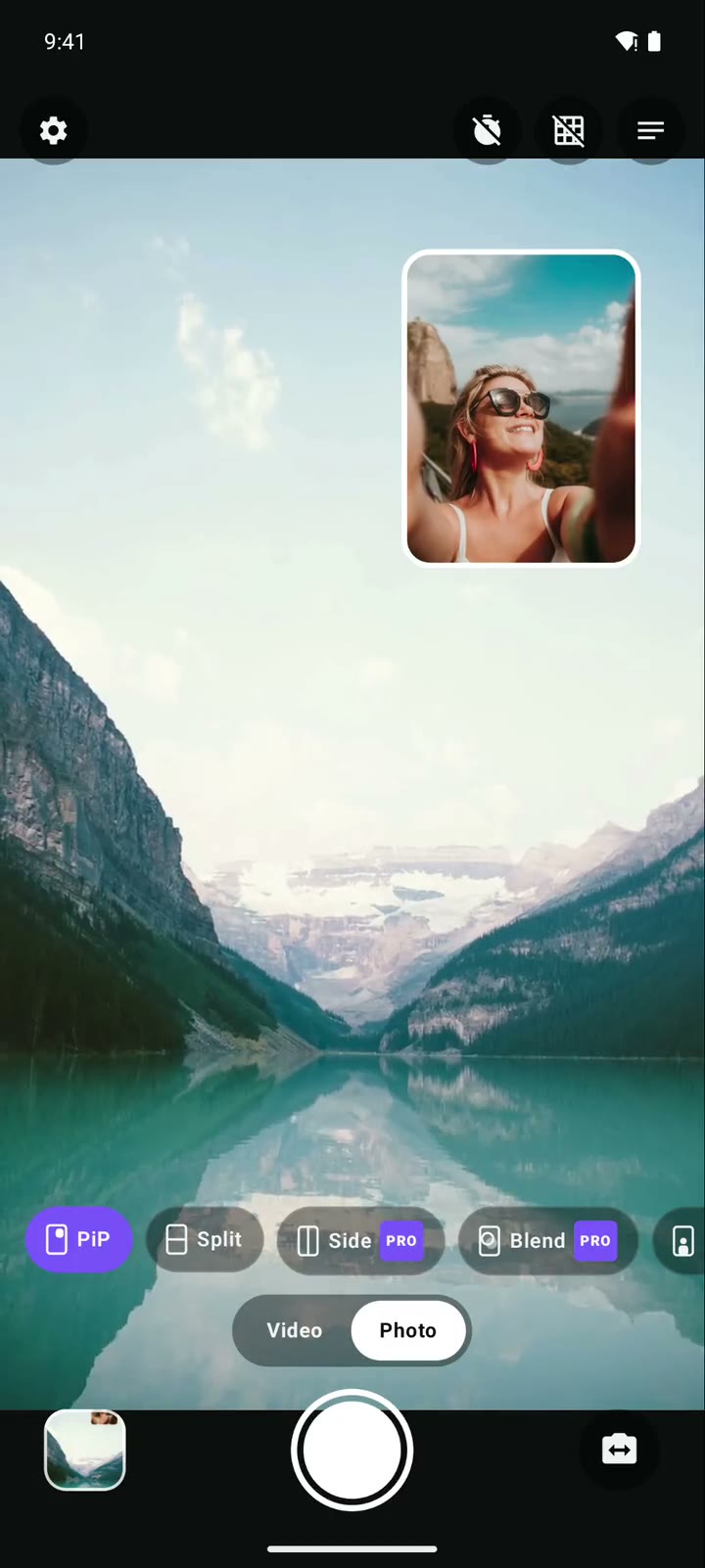
DuoCam demo: record front and back camera at once on Android
A 28-second screen recording of DuoCam: PiP, swap, Split, a dual photo and a dual video clip, with step-by-step instructions to do the same.
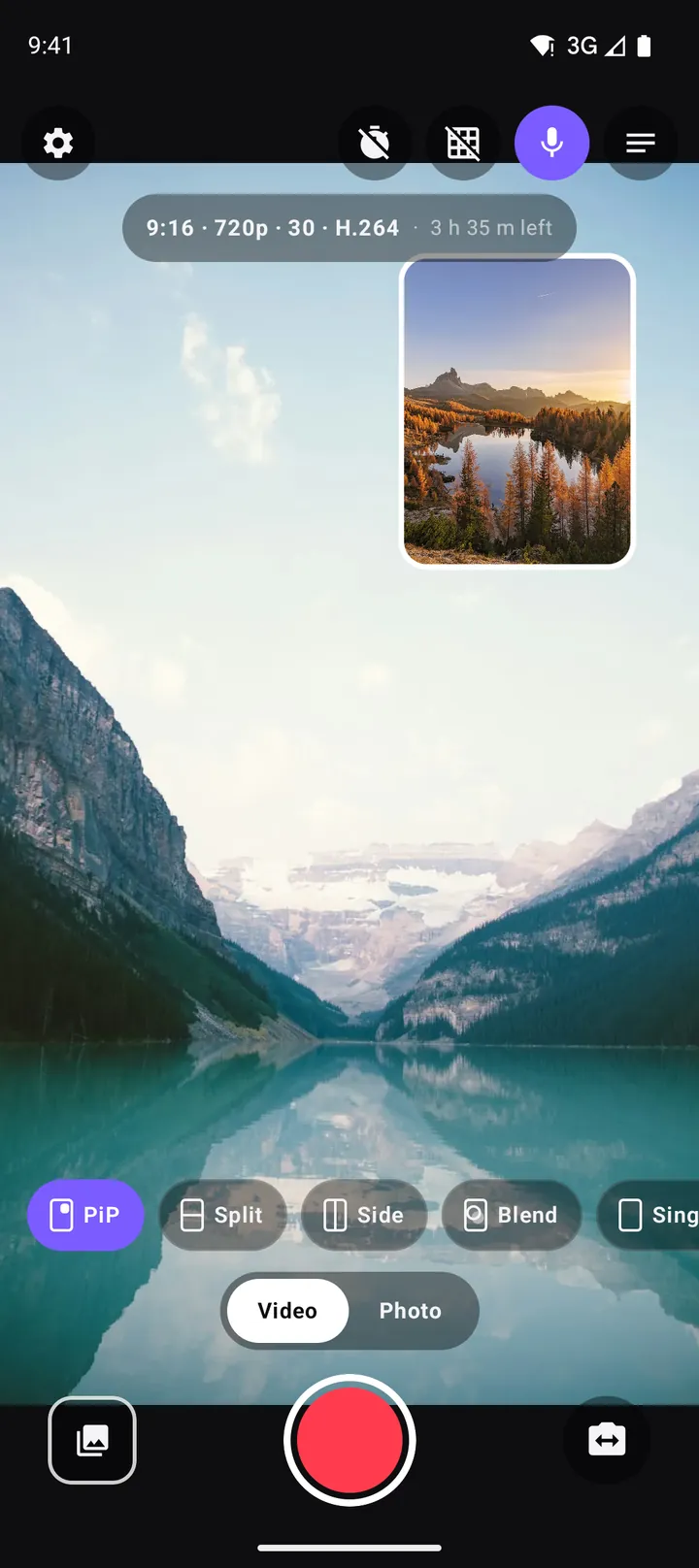
How to record with the front and back camera at the same time on Android
A step-by-step guide to recording both cameras at once on Android with DuoCam: picture-in-picture, split screen, dual photos, formats, the teleprompter and what to do if your phone runs one camera only.
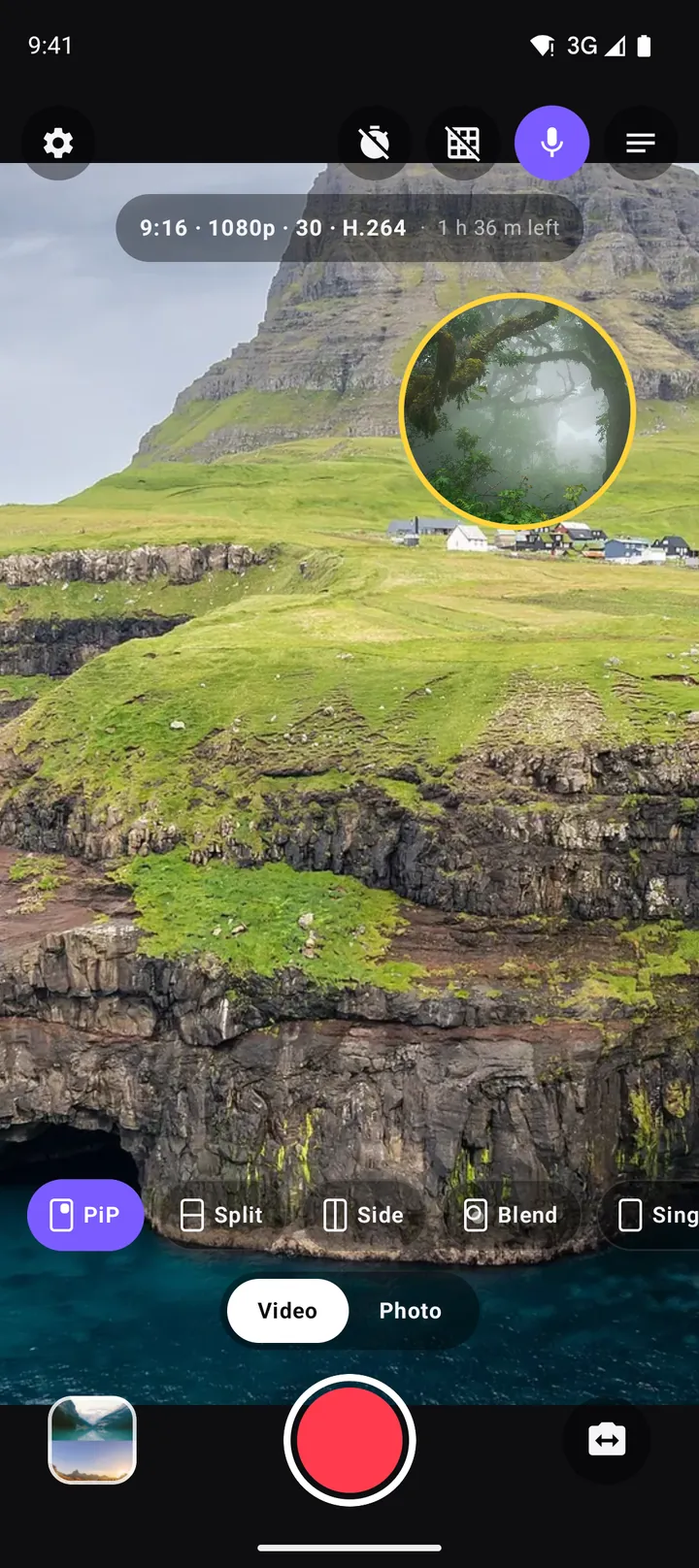
Picture-in-picture video on Android: how to record a PiP vlog in one take
How to record picture-in-picture video on Android with both cameras at once: moving and resizing the window, rounded, square and circle shapes, borders, swap, mirror and framing tips.
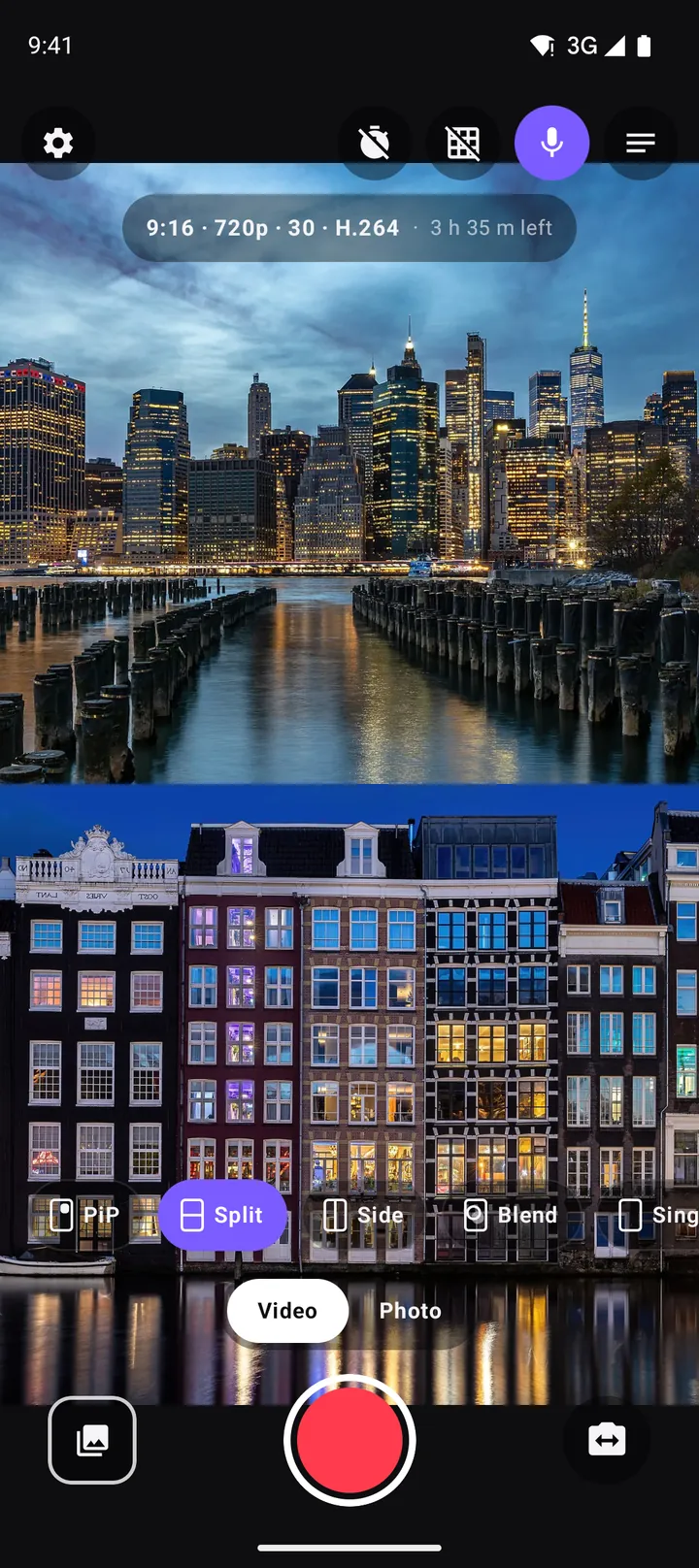
Split screen video on Android: top-and-bottom and side-by-side with two cameras
Record split screen video on Android with the front and back camera at once. When to use top-and-bottom or side-by-side, how to frame each half, the best aspect ratio, and ideas for split screen content.
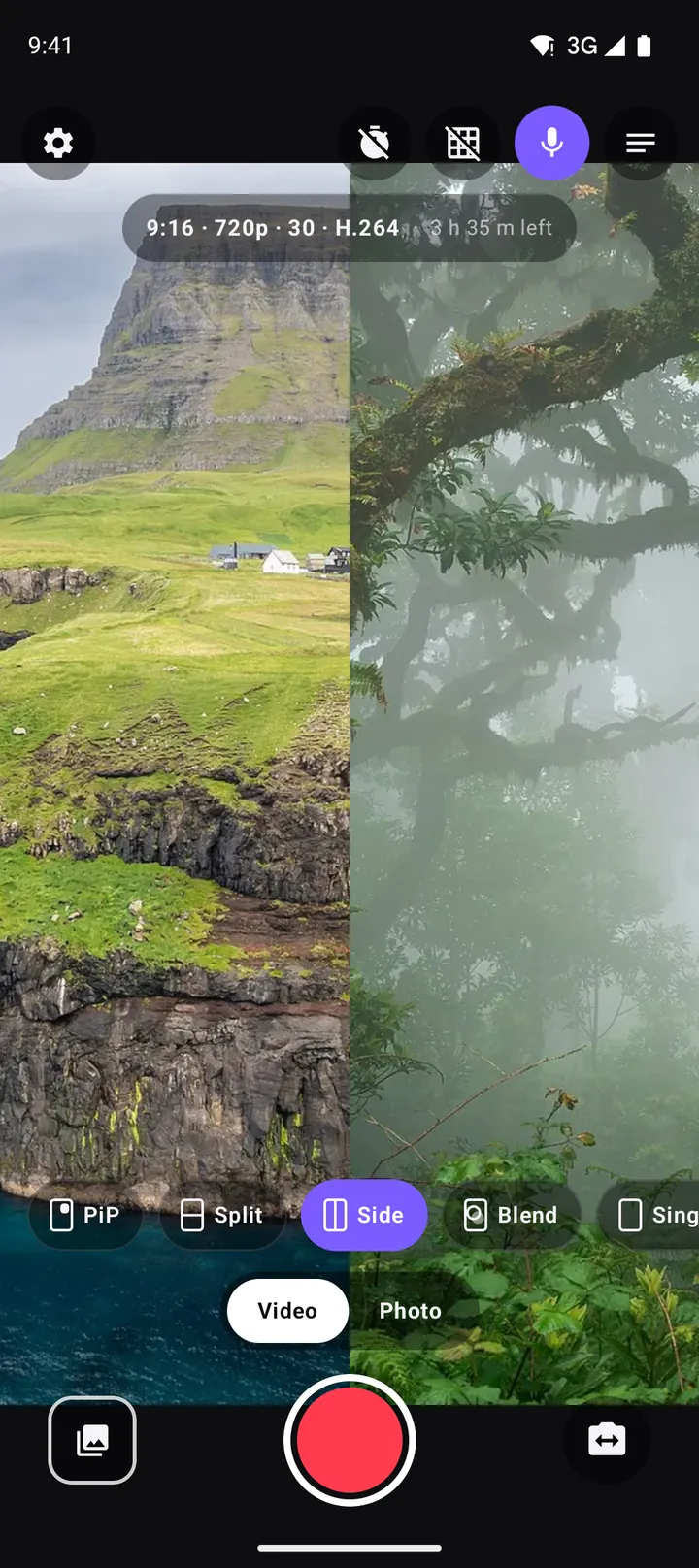
How to make reaction videos on Android with one phone
Record reaction videos on Android with the front and back camera at the same time: setup, layouts, sound, lighting, copyright basics and ideas, with no editing needed.
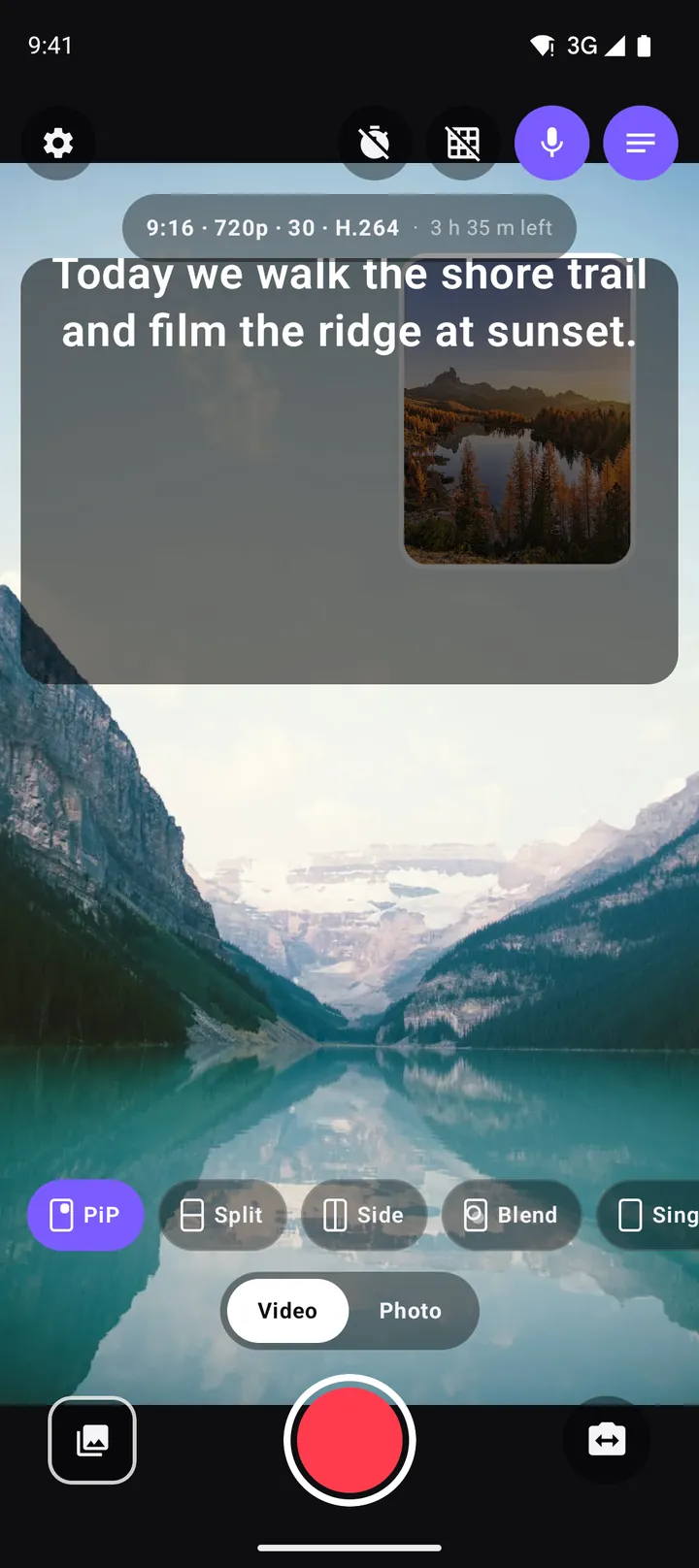
Using a teleprompter on Android: read your script while you record
How to use DuoCam's built-in teleprompter on Android: write a script, set scroll speed and text size, read while you look at the camera, and keep the script out of the recording.
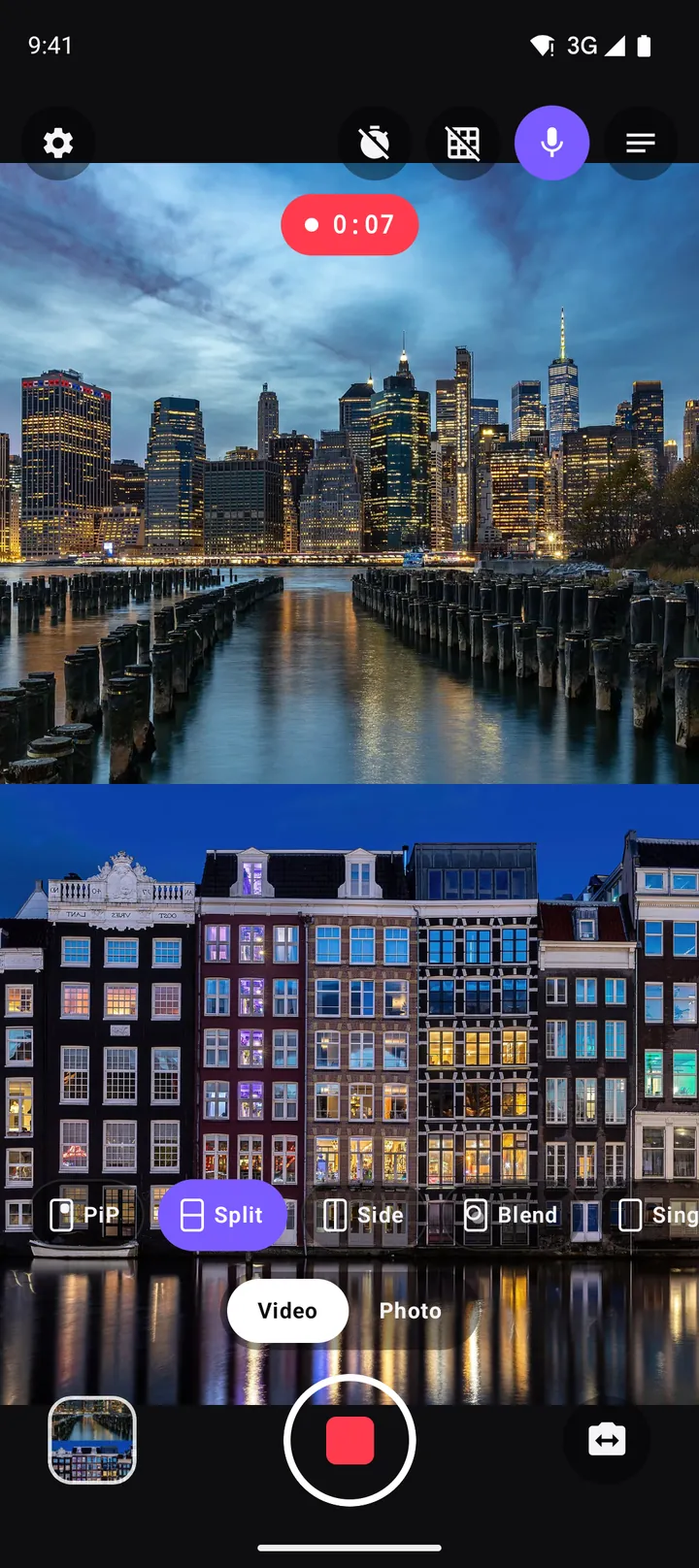
How to vlog with one phone: the dual camera method
A practical guide to vlogging with just one Android phone: record yourself and the scene at once, plan shots, light and sound, battery and heat, and share-ready formats.
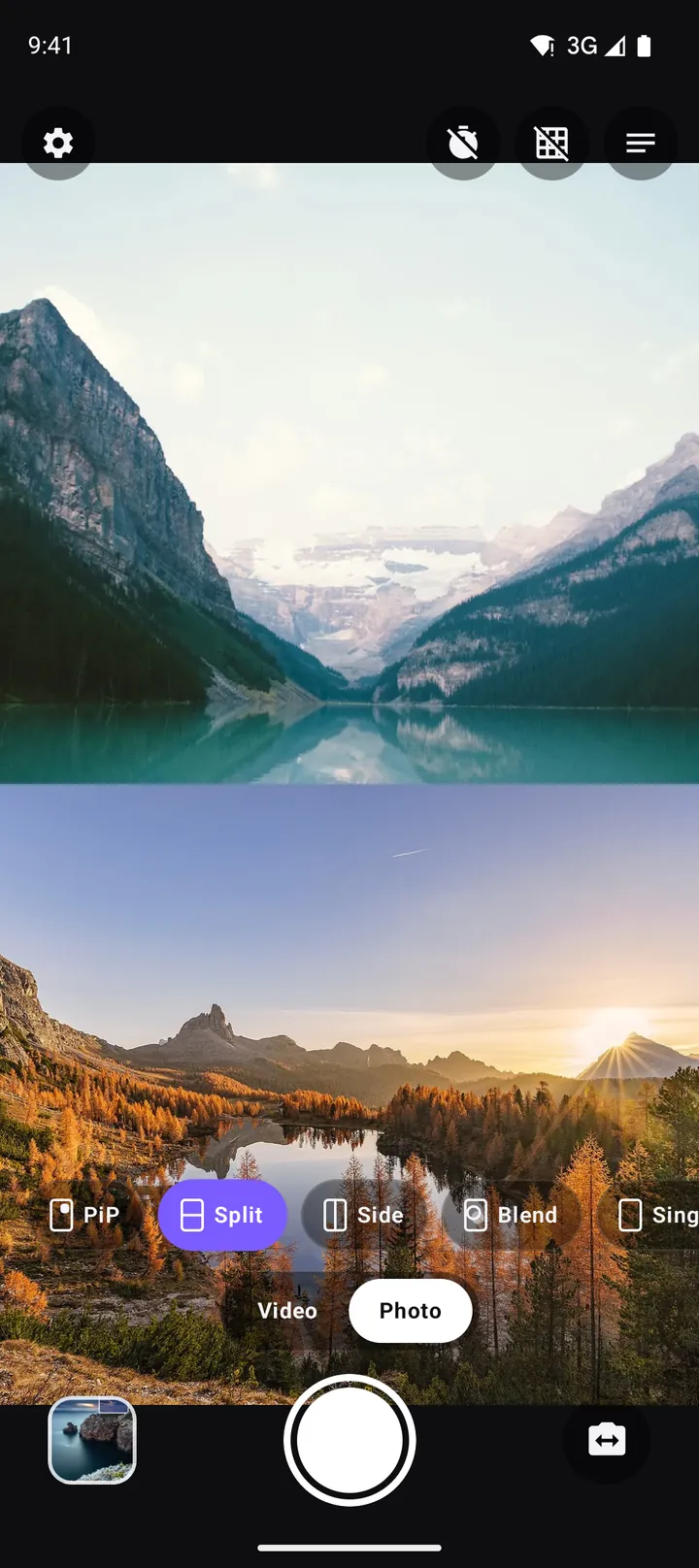
Dual photos: take a picture with the front and back camera at once
How to take a dual photo on Android that captures the front and back camera in one picture: layouts, framing, light, where photos are saved and creative ideas.
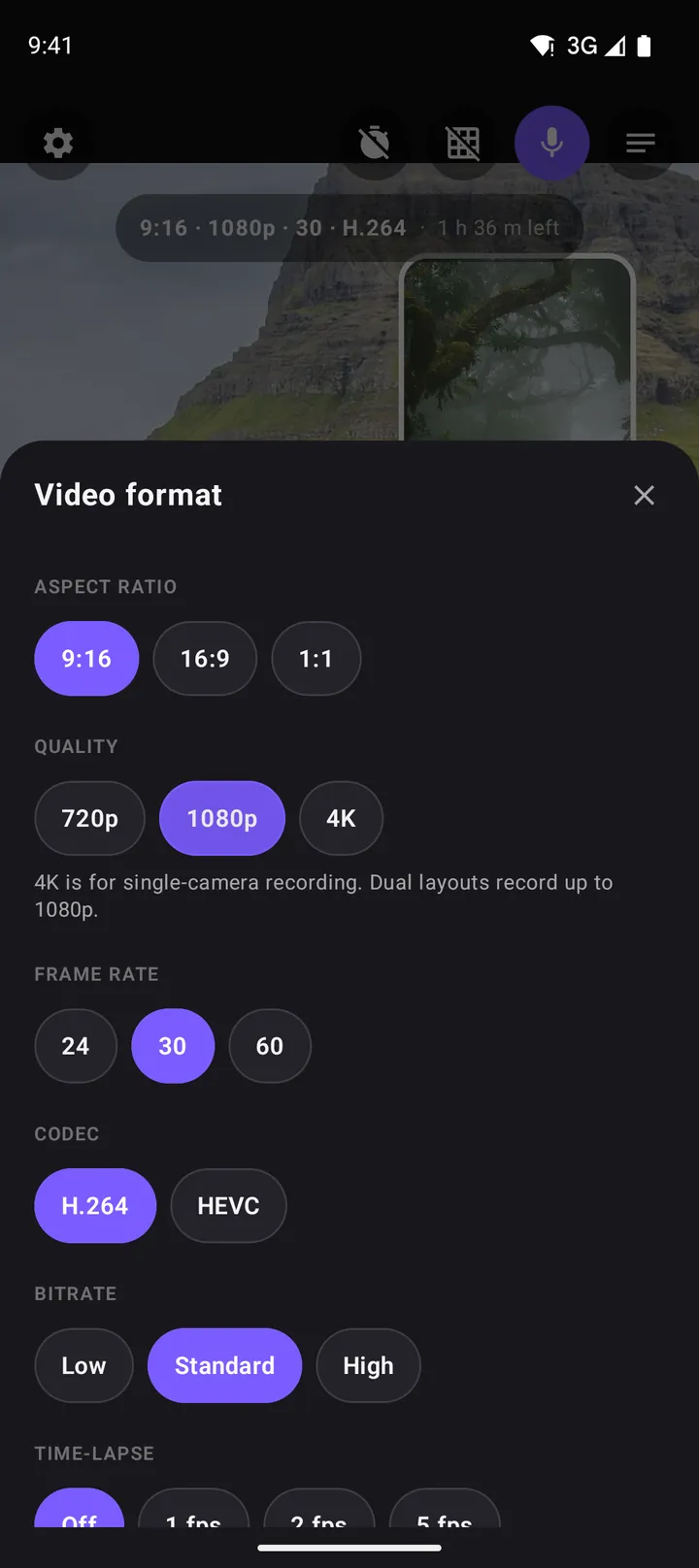
The best video settings for dual camera recording: resolution, frame rate, codec and more
Which aspect ratio, resolution, frame rate, codec and bitrate to choose for dual camera video on Android, plus time-lapse, file sizes, storage and the DuoCam settings that matter.
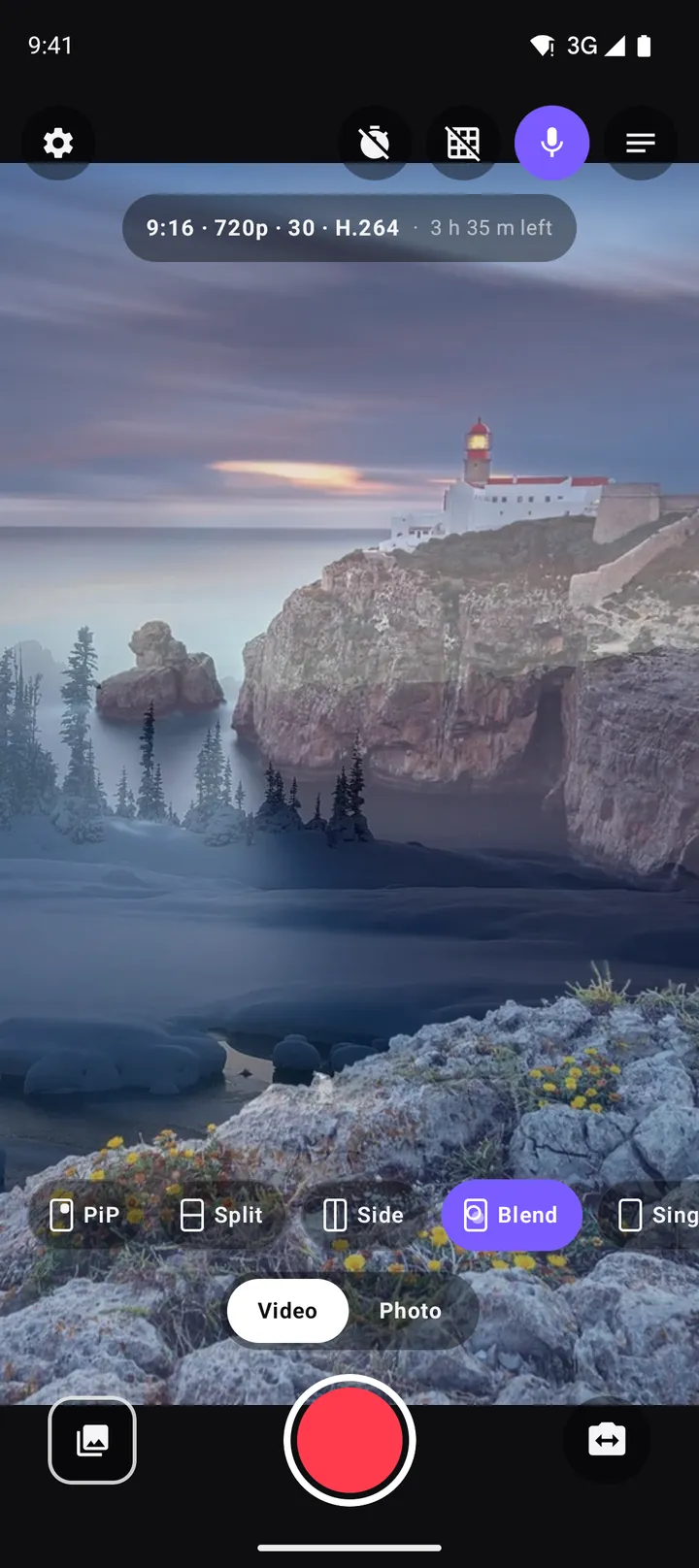
Blend, crossfades and exposure control: getting more from DuoCam 1.1
How to use DuoCam's Blend double-exposure layout, smooth crossfade transitions between layouts and cameras, AE/AF lock with a long-press, and the exposure slider for better dual camera video.
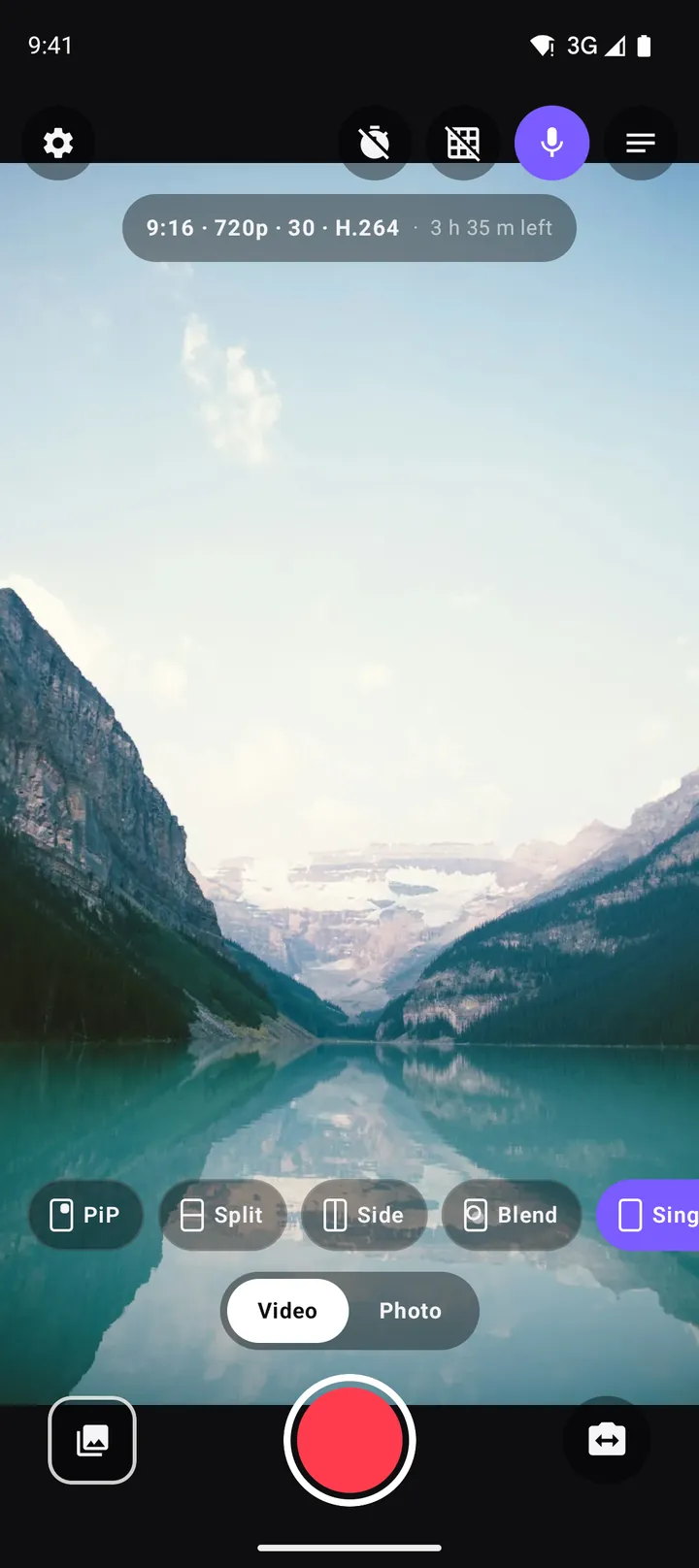
Which Android phones can record with both cameras at once? How to check, and what to do if yours cannot
Why some Android phones can record the front and back camera together and others cannot, how to check yours in seconds, what single-camera mode offers, and fixes for common dual camera recording problems.
DuoCam is free on Google Play. No watermark, no account, and your videos never leave your phone.
Get DuoCam on Google Play